
V2sub 2.0.2 Last Updated: 2026-10-14
Translator Configuration Guide
Complete guide to configuring Microsoft, Google, DeepL, and ChatGPT/LLM translators in V2sub 2.0, including V2sub Auto-Domain and API testing.
V2sub 2.0 Translator Configuration
Open Config → Translator Config in the left sidebar to choose and configure your translation engine:
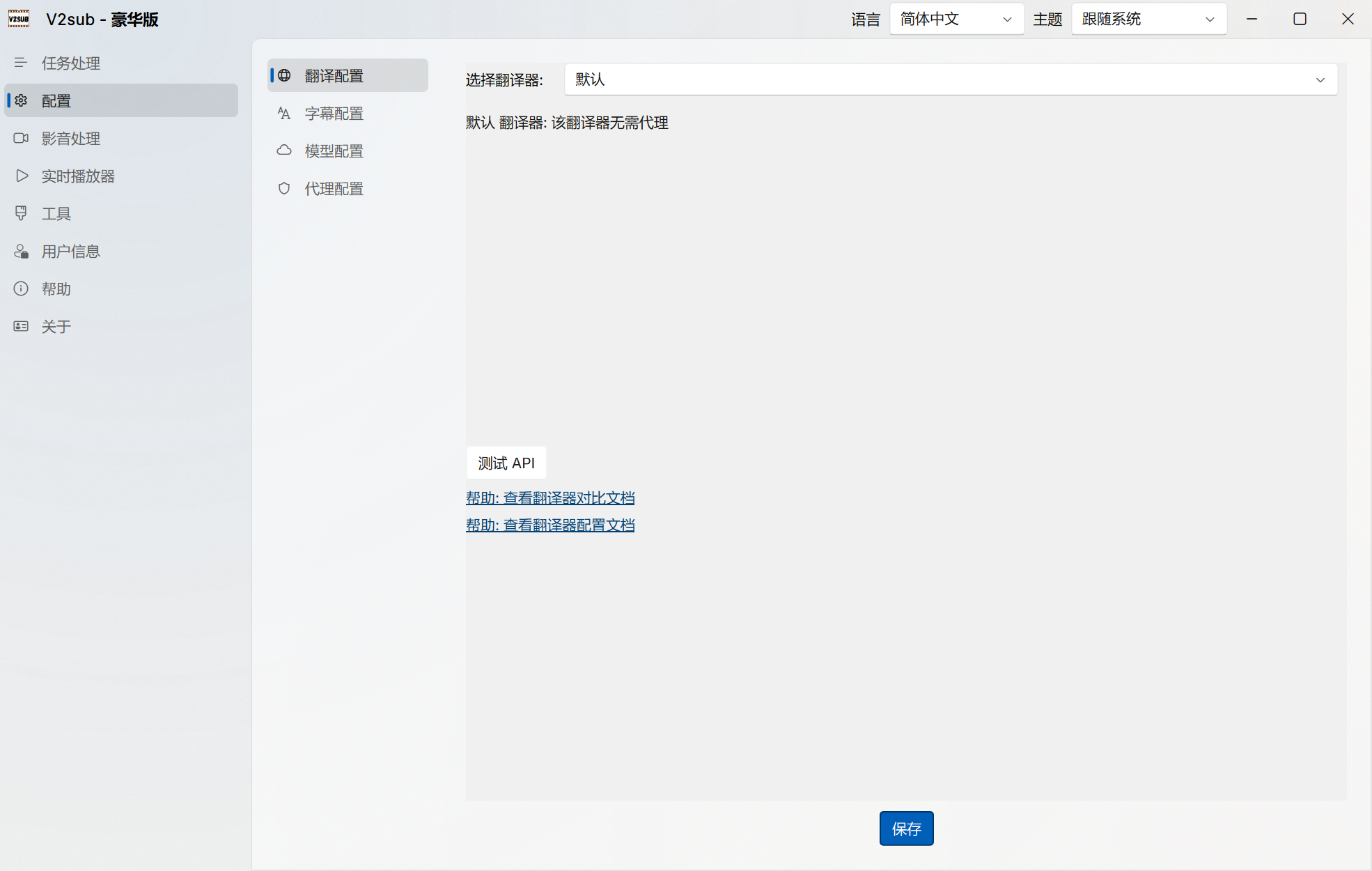
Supported Translators
- Default (Microsoft Translator) — All Editions: Zero configuration, no API key or proxy required. Works out of the box.
- Google Translate — Pro+: Fast neural translation (requires proxy in mainland China).
- DeepSeek & ChatGPT — Pro+: Context-aware LLM translation with superior fluency.
- DeepL, Gemini, Claude, Local & Custom LLMs — Max+: Full access to DeepL Pro/Free API, local LLMs (Ollama/LM Studio), and any OpenAI-compatible provider.
Key Features
- One-Click "Test API" Button: Always click Test API after changing keys or proxy settings to verify connectivity before starting a long batch job.
- V2sub Auto-Domain (Max+): Allows mainland China users to connect to ChatGPT APIs directly without configuring a VPN/proxy.
- Automatic Video Summary (
summary.txt, Max+): Automatically generates a concise summary of the video alongside your translated subtitles.