
V2sub 2.0.2 Last Updated: 2026-10-14
Frequently Asked Questions (FAQ)
Answers to common questions about hardware requirements, GPU acceleration, fixing Whisper hallucinations, translation errors, and licensing.
Hardware & GPU Acceleration
Q1: What are the system requirements? Can I run V2sub without an NVIDIA GPU?
- OS: Windows 10/11 (64-bit) or macOS (Apple Silicon M1/M2/M3/M4).
- GPU: NVIDIA GPUs (GTX 1060 4GB+, RTX 3060 8GB+ recommended) automatically enable CUDA hardware acceleration.
- CPU-Only PCs: Works great on CPU-only laptops! Use the
smallormediummodel and enable Full-Speed CPU Mode in Config → Model Config for a 30%–50% speed boost.
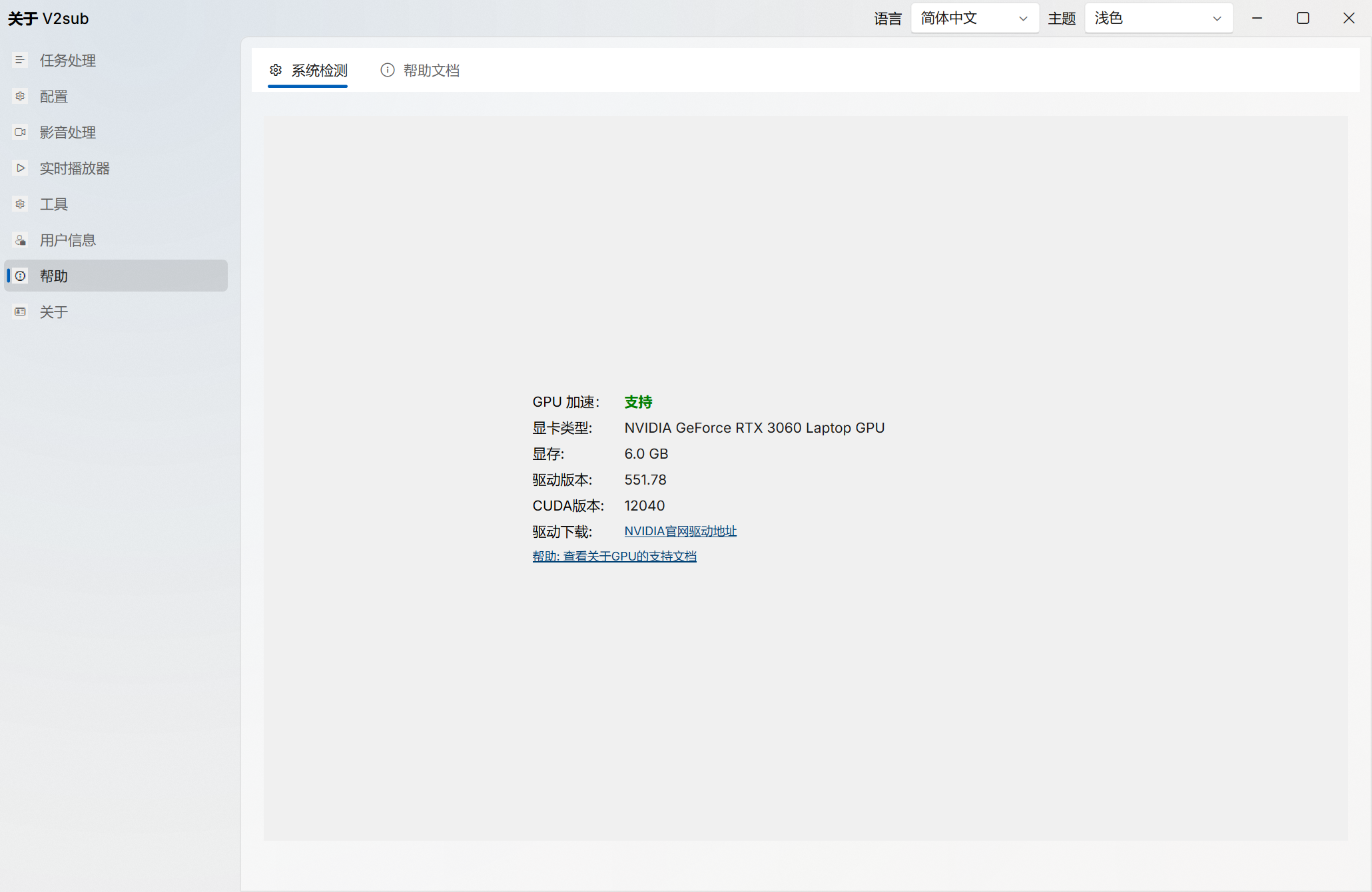
Q2: How do I verify if CUDA GPU acceleration is active?
Open Help → System Check inside V2sub 2.0. If GPU acceleration shows as unsupported on an NVIDIA card, update your driver from the official NVIDIA website and restart your PC.
Recognition & Translation Troubleshooting
Q3: How do I fix repeated lines or hallucinations during silent/music scenes?
- Always specify the exact Source Language instead of leaving it on Auto-Detect.
- Enable Special Optimization and Protected Mode in Config → Model Config (Max/Ultra editions).
- Enable AI Sentence Segmentation in Config → Subtitle Config (Ultra edition).